
Every empty chair on your calendar costs you money, and a surprising share of those gaps trace back to a client who simply forgot. Well-timed appointment reminders are the cheapest, most reliable way to protect the bookings you already earned. Get them right and you cut no-shows, keep your day predictable, and spend less time chasing people who never meant to skip.
The good news is that reminders are not complicated. They are mostly about timing, tone, and giving the client an easy way to respond. This guide walks through the practices that actually move the needle, plus what to do the moment a client does cancel so that open slot does not sit empty.
Why appointment reminders work when they are done right
Most missed appointments are not acts of defiance. People book weeks out, life gets busy, and the visit slips off their radar. A short reminder pulls the appointment back into focus at the moment it matters, which is why even one well-timed message can meaningfully lower your no-show rate.
Reminders also do quiet double duty. They confirm the client still intends to come, and they open a door for anyone who needs to reschedule to tell you early instead of vanishing on the day. Early notice is a gift, because it gives you hours or days to fill the slot rather than staring at a blank hour. If you want a deeper look at the mechanics, the guidance on how Appointify fills last-minute cancellations pairs naturally with a solid reminder routine.
Appointment reminder best practices to follow
There is no single perfect script, but there are patterns that consistently outperform a random text sent whenever you remember. Think of the practices below as a checklist you can adapt to your business, whether you run a two-chair salon or a busy clinic.
The essentials that matter most
- Send more than one. A confirmation when the appointment is booked, then a reminder 24 to 48 hours before, catches both the far-off forgetters and the day-before scramblers.
- Lead with the details. Name, date, time, service, and location up front. The client should know everything in the first line without opening a link.
- Keep it short and human. A friendly two-sentence text beats a formal paragraph. People skim, so respect that.
- Make replying effortless. Invite a quick "yes" to confirm or a heads-up if they need to move it. The easier it is to respond, the earlier you learn about a cancellation.
- Match the channel to the client. Text is read fast and works for most people, while a call or email may fit certain audiences better.
Timing deserves special attention. Send too early and it fades from memory again; send too late and the client has already made other plans. For most appointment businesses, a reminder the day before hits the sweet spot, with an optional same-morning nudge for high-value or hard-to-fill slots.
Tone is the other half of the equation. Reminders should feel like a courtesy, not a warning. Skip the guilt trips about your cancellation policy in a routine reminder, and save policy language for your booking confirmation where it belongs. A warm reminder keeps the relationship intact and still gets the job done.
What to do when a reminder surfaces a cancellation
Here is the part most businesses miss. Great reminders will surface more early cancellations, which is exactly what you want, but only if you have a plan to fill those openings quickly. An hour that clears at 9am on Tuesday is worth real money if someone else takes it, and nothing at all if it stays empty.
Trying to fill a fresh gap by scrolling your contacts and texting people one by one is slow and stressful. By the time you have messaged five clients, the slot may already be tomorrow. This is where a waitlist changes everything. Instead of you hunting for a taker, the right people hear about the opening at the same moment and the first to reply claims it.
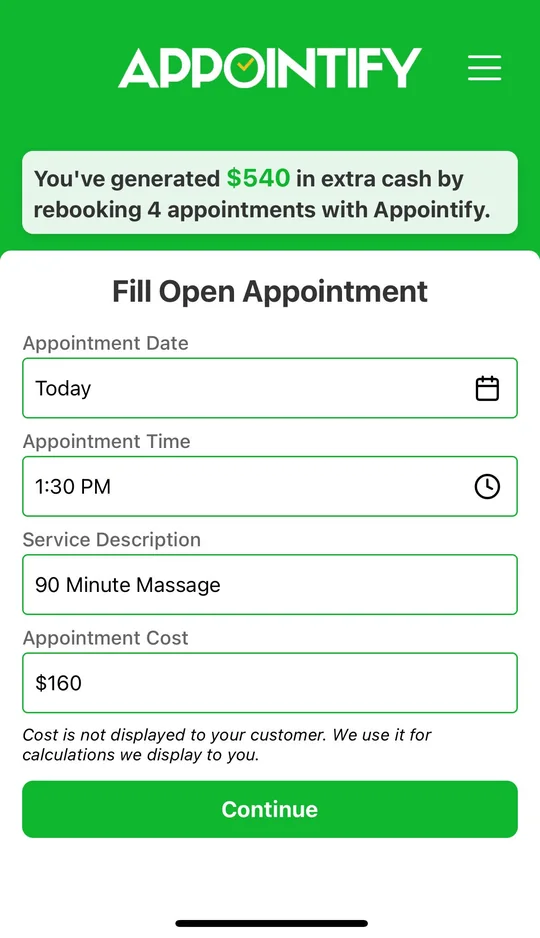
That is exactly what Appointify is built to do. It is a free app that runs alongside the scheduling tools you already use, so you are not ripping anything out. When a slot opens, it instantly texts your in-app waitlist, and the first client to respond books the spot. There is no credit card, no per-booking fee, and setup takes only a few minutes. If you have questions about how it works, the Appointify FAQ covers the common ones in plain language.
The approach scales across appointment-based businesses, from beauty and wellness to healthcare. A dental practice, for example, can pair confirmation reminders with a standing waitlist so that a canceled cleaning gets refilled the same day; you can see the fit in this rundown of a waitlist app for dental offices. The pattern is the same everywhere: reminders reduce surprises, and a waitlist absorbs the cancellations that still happen.
Turn better reminders into a fuller calendar
Strong appointment reminders and a ready waitlist are two halves of the same system. Reminders keep more clients showing up and give you earlier notice when they cannot, while a waitlist makes sure every genuine opening turns back into revenue instead of dead time. Start with the reminder habits above, then close the loop so no canceled slot goes to waste.