
A clear late cancellation policy is one of the simplest ways to protect your time, your income, and the clients who actually keep their appointments. When someone cancels at the last minute, you are left with a hole in your day and, too often, no realistic way to fill it. A good policy sets expectations up front, but the real win comes from what you do the moment a slot opens up.
This guide walks you through how to write a late cancellation policy that works in the real world, then shows you how to turn last-minute cancellations into rebooked appointments instead of lost revenue.
What a Late Cancellation Policy Needs to Say
A good policy is short, specific, and impossible to misread. Clients should be able to read it in under a minute and know exactly what counts as a late cancellation, what it will cost them, and how much notice you need. If your rules leave room for argument, you will spend more time debating exceptions than protecting your day.
At a minimum, your policy should define three things. First, the window: how much notice you require to cancel or reschedule, such as 24 hours. Second, the definition: what triggers the policy, like canceling inside that window. Third, the consequence: a fee, a forfeited deposit, or a required prepayment for the next visit.
Try wording like this: "Please give us at least 24 hours' notice to cancel or reschedule. Cancellations inside that window may be charged 50% of the service price." That single sentence does more work than three paragraphs of legal-sounding filler, because it is easy to read, easy to agree to, and easy to enforce.
How to Set a Fair Cancellation Fee
The point of a fee is not punishment. It is to give clients a reason to notify you in time, so you have a chance to fill the slot instead of eating the loss. A fee that stings a little works better than one that feels vindictive, because the goal is a fuller calendar, not a fight at the front desk.
Most appointment businesses use one of three approaches: a flat fee, a percentage of the booked service, or a deposit that gets forfeited on a late cancellation. Pick the version that matches your average ticket. A $20 flat fee barely registers on a $200 service, while a 50% charge on a quick trim can feel disproportionate. Match the consequence to the value of the time you are losing.
Whatever you choose, be consistent. The fastest way to make a policy meaningless is to waive it for some clients and enforce it for others. If you want to give first-time offenders a warning instead of a charge, write that into the policy so it is a rule, not a favor.
Where to post your policy
A policy only works if clients see it before they book, not after they cancel. Put it everywhere a client makes a decision:
- On your booking page or scheduling software, right where they confirm.
- In the messages you send when an appointment is booked.
- On a small sign at your front desk or station.
- In your intake form for new clients, with a checkbox that says they have read it.
The more times a client has seen the rule, the harder it is for them to act surprised, and the easier it is to point to where they agreed when someone disputes a charge.
Filling the Cancellation Is What Actually Saves the Day
Here is the part most owners underrate. A late cancellation policy sets the terms, but it does not put anyone in the empty chair. When a client cancels inside your window, you have two problems: the fee you may or may not collect, and the gap in your day. A fee softens the first. Only a fast rebooking solves the second.
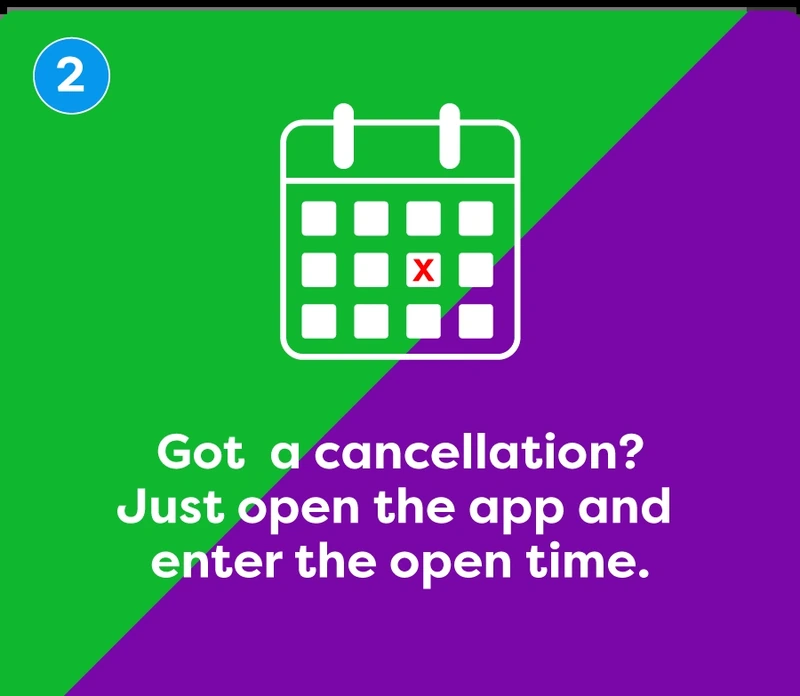
That is where a waitlist changes the math. When a client cancels and frees their slot, you should not be stuck staring at a hole in your schedule and hoping the phone rings. If you have a standing list of people who wanted an earlier time, that opening can be filled in minutes. This is the whole idea behind how Appointify fills last-minute cancellations: the app instantly texts your in-app waitlist the second a slot opens, and the first client to reply books it.
It is worth reviewing how the pieces fit together on the Appointify FAQ, because the setup is genuinely simple. Appointify is free, needs no credit card, and runs alongside the scheduling tools you already use, so it does not replace your booking system. It just makes sure the openings your cancellation policy creates get filled. Businesses with tight schedules and high-value time, like dental practices, get a lot of value from this, which is why offices use a waitlist app for dental offices.
A Quick Note on True No-Shows
One honest limit. A client who cancels late gives you at least some notice, so you have a slot to offer someone else. A true no-show gives you nothing to work with: no warning, no freed-up time, nothing to fill until the window has already passed. That is a different problem, and you address it with your own tactics, such as reminders, confirmations, deposits, and a clearly stated policy that reduces how often it happens. Your cancellation policy plus a ready waitlist are what turn the cancellations you do get notice about into rebooked appointments.
Putting Your Cancellation Policy Into Practice
Write the plain-language version of your late cancellation policy, post it everywhere a client books or confirms, and set a fair fee that matches your average ticket. Then close the loop with a waitlist so the openings you get notice about get filled instead of lost. A policy on paper protects your revenue in theory. A ready list of clients waiting for an earlier slot protects it in practice.
Appointify is a free mobile app for iOS and Android that texts your in-app waitlist the moment a client cancels and frees a slot, and the first person to reply books it. It sets up in minutes, runs alongside the tools you already use, and never charges per booking. That means your cancellation policy stops being just a warning and starts being a full calendar.